

Part of our pillar guide: AI for Business Automation: The Complete 2026 Guide
Most businesses don’t need to automate everything. They need to stop losing time on the handful of processes that eat hours every week without adding value: the status update chased over email, the spreadsheet updated by hand from three different sources, the approval that sits in someone’s inbox for two days.
Business workflow automation is the practice of designing those processes so software carries the routine parts, and people only step in where judgment actually matters.
This guide covers how business workflow automation works mechanically, the different types you’ll encounter, how to score your first candidate process, and a step-by-step approach for building it.
Quick summary: business workflow automation in this guide
- What actually counts as a workflow worth automating
- The five components every business workflow automation tool uses under the hood
- A scoring framework for picking your first process
- An eight-step build sequence you can follow this week
What Counts as a Workflow?
A workflow is any process with a defined start, a sequence of steps, and an end state, regardless of how many people or systems are involved. Onboarding a new hire is a workflow. So is approving a purchase order, publishing a blog post, or handling a returned product.
What makes a workflow a good automation candidate isn’t its complexity. It’s whether the steps are consistent enough to describe in advance.
A simple test: if you can draw the process on a whiteboard as a series of boxes and arrows, most of it can probably be automated. If every instance looks completely different, automation will need to wait until the process itself is standardized.
How Business Workflow Automation Works
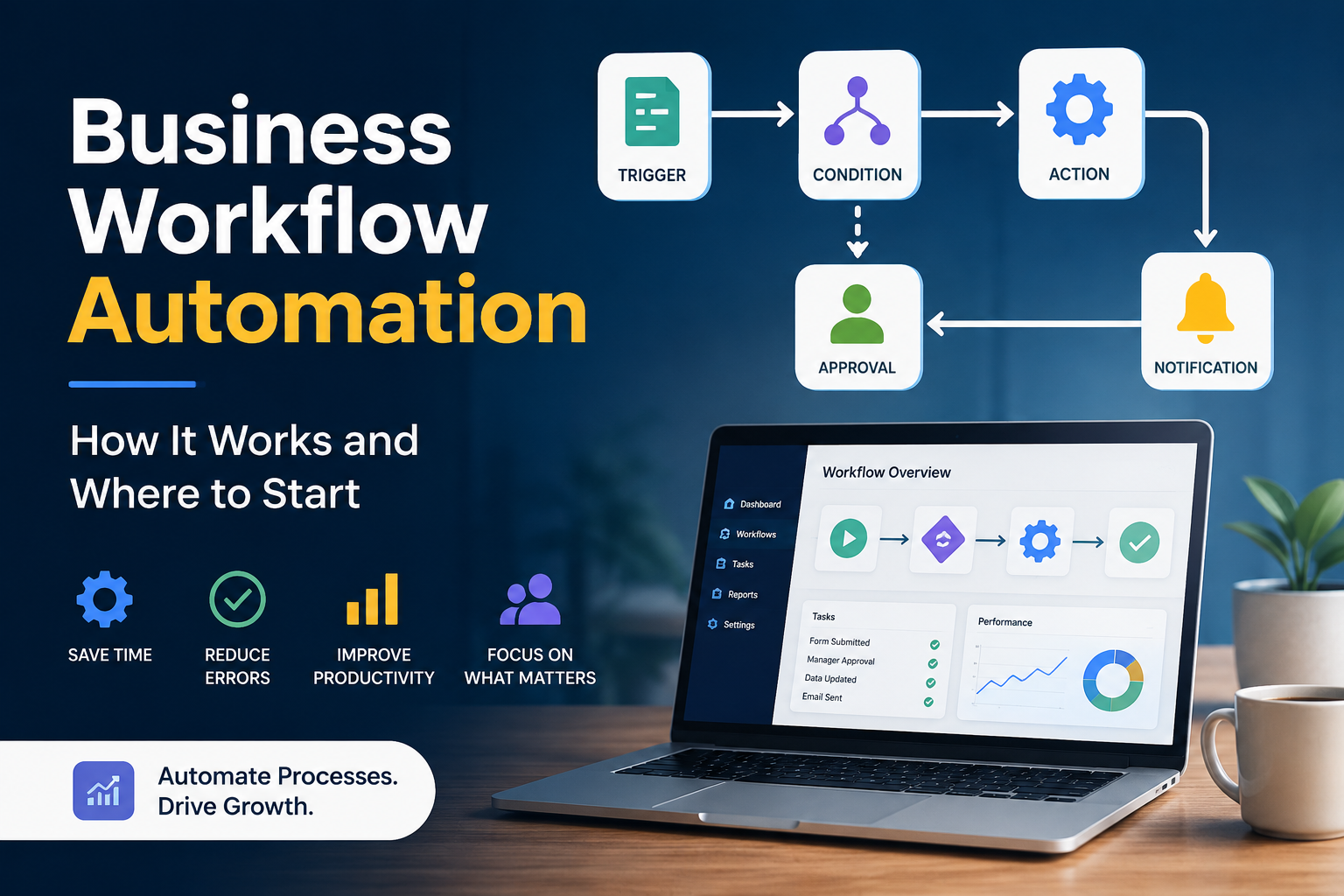
Workflow automation platforms connect the apps a business already uses (email, spreadsheets, CRMs, ticketing systems, storage) and let you define what should happen when something changes in one of them. The mechanics are consistent across nearly every business workflow automation tool on the market. Gartner’s hyperautomation glossary is a useful reference if you want to see how this fits into the broader category of automation technologies.
| Component | What It Does | Example |
|---|---|---|
| Trigger | Starts the workflow | A new row is added, a form is submitted, a deal moves stage |
| Condition | Branches the path | If deal size is above a threshold, route to manager approval |
| Action | Carries out the work | Update a record, send a notification, create a task |
| Approval | Pauses for human input | A person confirms before the workflow resumes |
| Logging | Keeps everyone informed | Notifications and status updates without manual check-ins |
The difference between a basic workflow tool and one with AI built in comes down to the condition and action steps. A basic tool can only branch on data that’s already structured, such as a number or a dropdown value. An AI-enhanced workflow can branch based on the meaning of unstructured input: what a customer’s email is actually asking for, or what a contract clause actually says.
Types of Business Workflow Automation
Business workflow automation typically falls into five categories, each solving a different kind of repetitive work. For a wider set of examples in each category, see 22 Workflow Automation Examples You Can Copy This Week.
Approval workflows route requests (expenses, time off, purchase orders, content) to the right person automatically, with escalation if nobody responds in time.
Data workflows move and transform information between systems so people stop manually re-entering the same data twice. A form submission updates a CRM, which updates a spreadsheet, which triggers a report.
Communication workflows send the right message to the right person at the right moment, including onboarding sequences, status updates, and reminder emails, without someone remembering to send them.
Document workflows generate, route, and file paperwork such as contracts, invoices, and reports. These often benefit most from AI, since document content is usually unstructured. Our dedicated guide on document workflow automation goes deep on this category specifically.
Exception workflows handle the cases that don’t fit the standard path (a mismatched invoice, a support ticket that doesn’t match any known category) by routing them to a human with the context needed to resolve them quickly, rather than letting them silently stall.
Where to Start: Choosing Your First Business Workflow Automation Project
The biggest mistake teams make is picking their most important process for their first automation. Important processes tend to be complex, politically sensitive, and full of exceptions, a difficult combination for a first attempt.
Score candidate processes against four criteria before committing:
| Criterion | Question | Why It Matters |
|---|---|---|
| Frequency | Does it happen daily or weekly? | You’ll learn fast whether it’s working |
| Clarity | Can everyone describe every step the same way? | Disagreement means the process isn’t stable enough yet |
| Political sensitivity | Does anyone’s job or budget depend on the outcome? | Low sensitivity means mistakes are cheap to fix |
| Measurability | Do you have a concrete “before” number? | Without a baseline you can’t prove the win |
Good first candidates include routing incoming support requests, generating standard reports, sending onboarding materials, and updating a shared tracker when a deal closes. For a longer list of proven starting points across departments, see 22 Workflow Automation Examples You Can Copy This Week.
Building Your First Workflow: A Step-by-Step Approach

- Document the current process exactly as it happens, including the workarounds people use when the official process doesn’t cover an edge case.
- Identify the trigger, the single event that should kick the workflow off.
- List every action and decision point, and mark which decisions are truly judgment calls versus which just look that way because no one wrote down the rule.
- Choose your tool. For most teams this means a no-code or low-code platform rather than custom development, since it’s faster to build and easier to modify later.
- Build the happy path first. Get the most common case working end to end before worrying about exceptions.
- Add the exception path. Decide where imperfect or unusual inputs should route, and make sure nothing silently disappears.
- Run it in parallel with the manual process for a short period, comparing outcomes before fully switching over.
- Review after thirty days. Check error rates, time saved, and whether people actually trust the automated output. Trust, not just technical success, determines whether an automation sticks.
Signs a Workflow Is Ready to Automate
A workflow is usually ready when the same question gets asked in Slack or email every week, such as “has this been approved yet?” It’s also ready when a person’s main job function is copying data from one system to another, or when work regularly sits untouched for a day or more purely because it’s waiting in someone’s inbox.
Errors that trace back to manual data entry, rather than any actual decision-making mistake, are another strong signal. Finally, a process that has existed largely unchanged for over a year is usually stable enough to codify.
When Not to Automate Yet
Not every process is ready. Hold off if the process changes frequently, if fewer than a handful of people can even agree on how it currently works, or if the volume is too low to justify the setup time. Automating a process that’s still being figured out usually means rebuilding the automation every few weeks. It’s often better to stabilize the process manually first, then automate it once it settles.
Frequently Asked Questions
How is business workflow automation different from AI automation? Workflow automation moves structured data through predefined steps. AI automation adds the ability to interpret unstructured input, such as text or documents, and make judgment-based decisions within that same workflow. Most modern automation programs use both together, a distinction covered in full in our AI for Business Automation guide.
What tools are typically used for workflow automation? Most teams start with a no-code or low-code automation platform that connects existing apps through prebuilt integrations, rather than building custom software from scratch. Custom development is usually reserved for processes that are core to the business or too specialized for off-the-shelf tools.
How long does it take to build a first workflow? A well-scoped first workflow, focused on a single trigger and a handful of steps, typically takes a few days to build and a couple of weeks to validate running in parallel with the manual process.
What’s the biggest reason workflow automation projects fail? Picking a process that’s too complex or too politically sensitive for a first attempt. Starting narrow, with a process everyone agrees on and low stakes if something goes wrong, is the most reliable path to a workflow that actually sticks.
Next Steps
Once you’re comfortable with the basics of business workflow automation, the next question is usually where AI fits in: replacing not just the movement of data, but the judgment calls that used to require a person to read and decide. Our pillar guide, AI for Business Automation: The Complete 2026 Guide, covers that layer in full, and Digital Workflow Automation Explained (With Real Examples) walks through concrete, plain-language examples if you’d rather see it in action than read about the theory first. For a deeper look at automating paperwork specifically, Document Workflow Automation: Tools, Steps and ROI is also worth a read.
Leave a Reply